The ability to edit the US map has never been more accessible, offering powerful tools for diverse applications across the United States. From educators crafting engaging lessons to businesses visualizing market data, customizing the nation's geography is a trending topic. Users can modify boundaries, add specific data points, or highlight regions for various purposes. These tools cater to a wide audience seeking to personalize or analyze geographical information. Whether for personal projects or professional insights, understanding how to edit the US map opens up new possibilities. This informational guide explores popular methods and software, helping you master digital cartography. Discover the trending ways Americans are interacting with and tailoring their view of the US landscape.
How can I create my own custom map of the US?
You can easily create your own custom US map using online tools like Google My Maps or MapChart.net. These platforms let you add markers, draw lines, and color-code states or regions. You can also import data to personalize your map for specific projects, making it a versatile tool for visualization.
What software can I use to edit a US map professionally?
For professional-grade US map editing, consider software such as ArcGIS Pro or QGIS. ArcGIS Pro offers extensive features for advanced spatial analysis and cartography. QGIS is a robust open-source alternative providing powerful tools for detailed customization and data management, ideal for complex geographical projects.
Are there free tools available to edit the US map?
Yes, several free tools allow you to edit the US map. Google My Maps is an excellent choice for straightforward personalization and sharing. QGIS provides professional-level functionalities as a free and open-source desktop application. Websites like MapChart.net also offer free options for quick, thematic map creation and customization.
Can I change state borders on a digital US map?
You cannot officially change state borders on a digital US map through common editing tools. These tools allow you to customize visual representations, add data, or highlight regions for illustrative purposes. Any modifications you make are for personal analysis or presentation, not for altering actual geographic or political boundaries.
How do businesses typically use custom US maps?
Businesses frequently use custom US maps for strategic planning and operational insights. They visualize sales territories, optimize logistics and supply chains, analyze market demographics, and identify prime locations for expansion. Editing the US map helps businesses make informed, data-driven decisions that enhance efficiency and growth across regions.
What are interactive US maps used for?
Interactive US maps serve numerous purposes, allowing users to engage directly with geographical data. They are used for educational tools, presenting dynamic business analytics, tracking real-time events, and personalized travel planning. These maps enable users to click, zoom, and filter information, providing a richer, more dynamic experience than static maps.
Where can I find editable US map templates?
Editable US map templates are widely available on various online platforms. Websites specializing in presentations and data visualization, like PowerPoint template sites or Canva, often provide customizable templates. GIS software also includes base maps that can be edited, offering starting points for your specific mapping projects.
When you hear the phrase to edit the US map, it sounds like a big undertaking, doesn't it? However, it is something many people do every day. Editing the US map involves customizing geographical data, adding personal annotations, or even creating entirely new visualizations. This capability is used by educators, businesses, and hobbyists alike. It allows them to tailor maps for specific purposes, from tracking sales territories to illustrating historical events or planning road trips. Understanding how to edit the US map provides immense flexibility and insight into geographical information. It transforms static images into dynamic, interactive tools that help us better understand our vast and diverse country.
Understanding how to edit the US map can truly unlock new perspectives. Imagine being able to highlight your favorite national parks or plan an intricate cross-country road trip with custom markers. Businesses often need to edit the US map to display crucial market analysis, customer density, or logistical routes. This allows for strategic planning and informed decision-making across various industries. Students and teachers also find great value in these tools, bringing geography lessons to life. They can visually represent historical migrations, economic distributions, or environmental changes easily. The power to personalize and analyze geographical data makes these editing tools essential.
The Power of Customizing to Edit the US Map
Customizing maps enables users to visualize information tailored to their unique needs. When you edit the US map, you are not altering official boundaries, but rather overlaying data. You might add custom layers, change colors, or modify labels for clarity. This process allows for deeper analysis and presentation of data specific to states or regions. From a local business owner tracking deliveries to a researcher visualizing demographic shifts, editing a US map provides clarity. It transforms complex data into easily digestible visual narratives.
Why Do People Need to Edit the US Map?
People need to edit the US map for many reasons, often for clarity or specific analysis. Businesses use it for territory management, sales targeting, and logistical planning. Educators customize maps to teach geography, history, and current events more effectively. Individuals might edit the US map for travel planning, personal projects, or to visualize their own data. These customized maps make information more relatable and actionable for the user. It helps in understanding complex spatial relationships easily.
Popular Tools to Edit the US Map
Several digital tools are available to help you edit the US map, catering to various skill levels. Online platforms like Google My Maps offer intuitive drag-and-drop interfaces for basic customization. More advanced users might turn to software such as ArcGIS or QGIS for professional-grade cartography and spatial analysis. Data visualization tools like Tableau also allow users to import and overlay data onto US maps. Many of these options provide templates, making it easier to start your editing journey. Choosing the right tool depends on your specific needs and technical comfort.
| Tool Name | Type | Key Features to Edit the US Map | Ideal User |
|---|---|---|---|
| Google My Maps | Online | Custom markers, lines, shapes, import data | Casual user, travel planner, small business |
| ArcGIS Pro | Software | Advanced spatial analysis, 3D mapping, geocoding | GIS professionals, researchers |
| QGIS | Software (Open Source) | Powerful data processing, vector/raster editing | Students, NGOs, experienced users |
| Tableau | Software | Data visualization, interactive dashboards, map integration | Business analysts, data scientists |
| MapChart.net | Online | Coloring regions, adding labels, creating thematic maps | Educators, hobbyists, quick visualizations |
What Others Are Asking?
How can I create my own custom map of the US?
You can create your own custom map of the US using various online tools like Google My Maps or MapChart.net. These platforms allow you to add points, draw shapes, and color regions. You can also import data from spreadsheets to personalize your map. It is an intuitive way to visualize specific information.
What software can I use to edit a US map professionally?
For professional map editing, software like ArcGIS Pro and QGIS are highly recommended. ArcGIS Pro offers extensive features for spatial analysis and cartography. QGIS is a powerful open-source alternative. Both provide robust tools for detailed customization and data integration when you need to edit the US map for complex projects.
Are there free tools available to edit the US map?
Yes, there are several excellent free tools to edit the US map. Google My Maps is a popular choice for easy, personal customization. QGIS is a professional-grade open-source desktop application offering advanced functionalities. Websites like MapChart.net also provide free options for coloring and labeling regions of the US map.
Can I change state borders on a digital US map?
While you can visually alter or highlight regions to *represent* different boundaries on a digital US map, you cannot officially change the actual geographic state borders. Map editing tools allow you to create custom visualizations for your data, not to redraw political lines. These changes are for illustrative or analytical purposes only.
How do businesses typically use custom US maps?
Businesses use custom US maps for diverse strategic purposes. They can visualize sales territories, identify optimal store locations, analyze customer demographics, or plan efficient logistics routes. Editing the US map helps businesses make data-driven decisions. It optimizes operations and enhances market understanding across different regions. This improves overall business strategy effectively.
FAQ about to Edit the US Map
What does it mean to edit the US map?
To edit the US map means to customize or annotate a digital representation of the United States. This involves adding specific data, modifying visual elements like colors, or highlighting regions for clarity. It does not mean changing official geographic boundaries. The purpose is to personalize the map for various informational or analytical needs.
Who typically needs to edit the US map?
Many individuals and organizations need to edit the US map. This includes educators, students, businesses, government agencies, and researchers. Even casual users or travelers find value in customizing maps for personal projects. Anyone needing to visualize or analyze location-based data can benefit from these tools effectively.
Why should I learn how to edit the US map?
Learning to edit the US map enhances data visualization skills and geographical understanding. It allows for better presentation of information, improved analytical capabilities, and more effective communication of spatial data. This skill is valuable for educational, professional, and personal projects, making complex data more accessible and understandable.
How can I start editing the US map today?
You can start editing the US map today by exploring user-friendly online tools like Google My Maps. Simply search for 'Google My Maps' to access the platform. You can begin adding markers, drawing lines, and importing your own data within minutes. Many online tutorials also offer step-by-step guidance. It is an easy way to dive into map customization immediately.
Easily edit the US map with various online tools and software. Customize maps for education, business, and personal projects. Understand digital cartography techniques and data visualization. Explore interactive features and customizable templates. Learn about the trending uses of modified US maps.
35
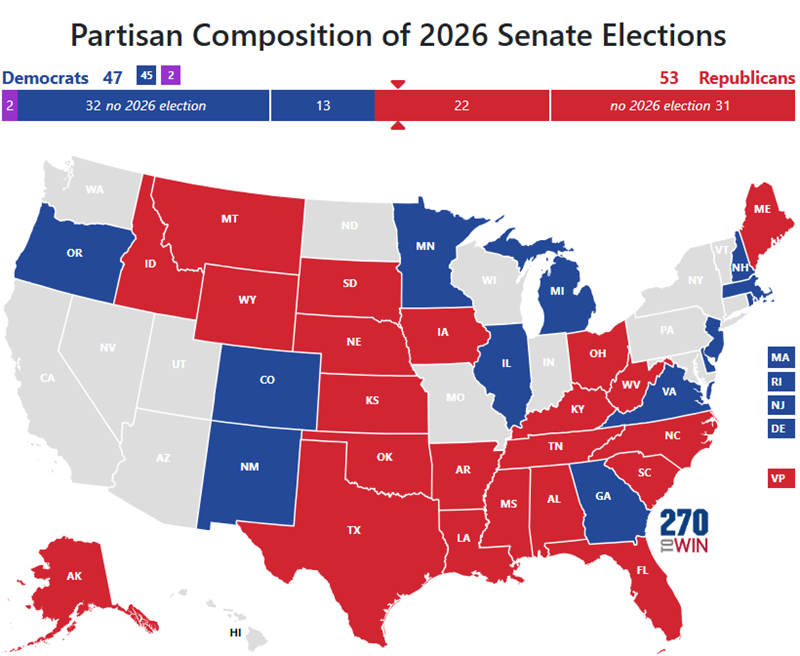


Map Editing Software Interface IMapBuilder Software Map Editing Preview Screen . Introducing The 2026 Senate Interactive Map 270toWin Senate Incumbent . Civil War January 2026 Plainly Explained Great Lakes . The United Republics Of America 2026 R MapPorn . Interactive Map Year 2026 R
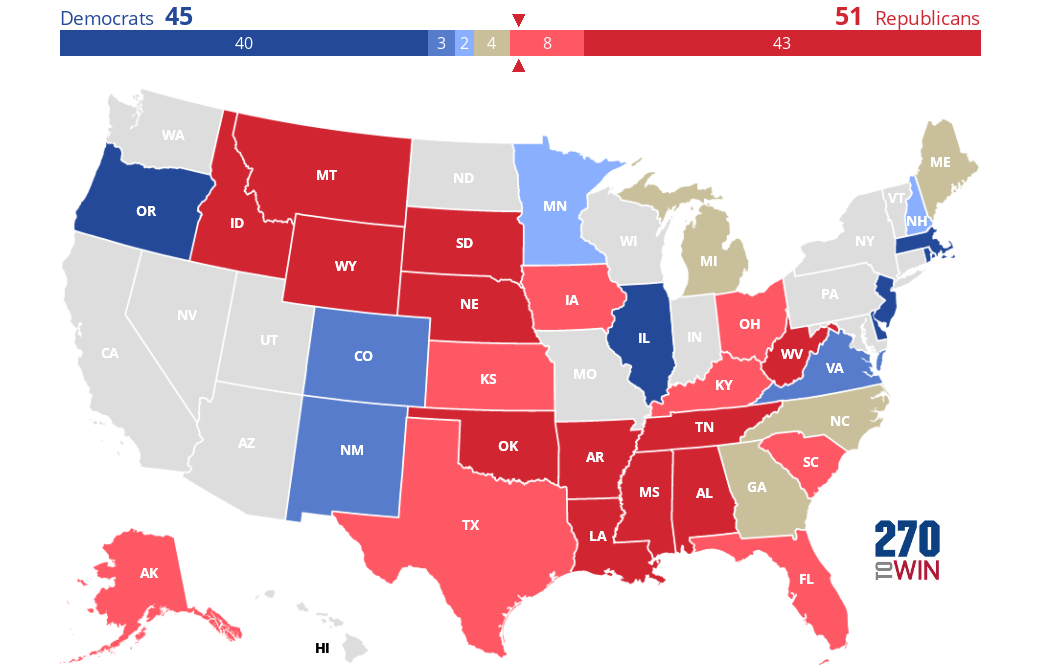


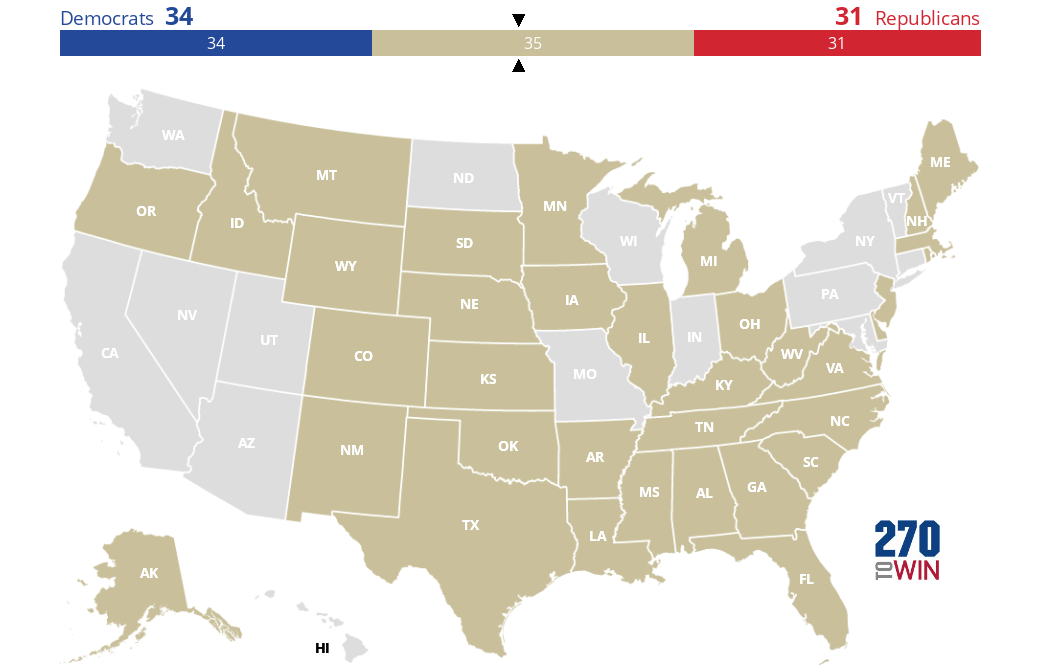

2026 Senate Initial Outlook 270toWin 59gxLL . What Are The 2026 Midterm Odds . Early 2026 US Senate Map Predictions Based On The Latest Poll Data ALL . 2026 Senate Elections Blank Map 270toWin MmxQpv . Part 3 Of My Alternate US Future Timeline 2026 R YAPms


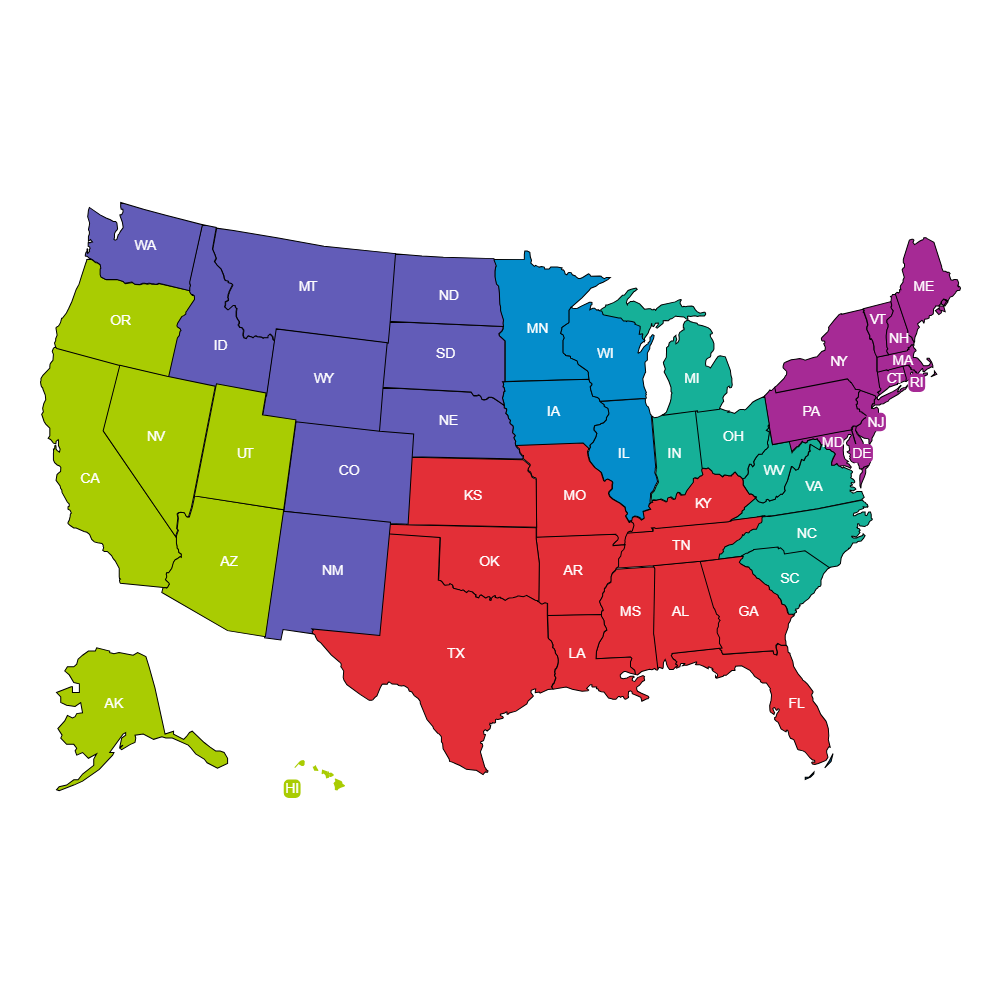


Taking A Look At The 2026 Senate Map YouTube . 2026 Midterms Information 2026 United States Senate Elections Retirements Map.svg . Labeled Editable US Map Labeled Editable Us Map . 2026 Old Farmer S Almanac Almanac Com 2026 OFA US Summer Weather Map . 2026 Senate Election Map Prediction As Of May 2024 YouTube Hqdefault


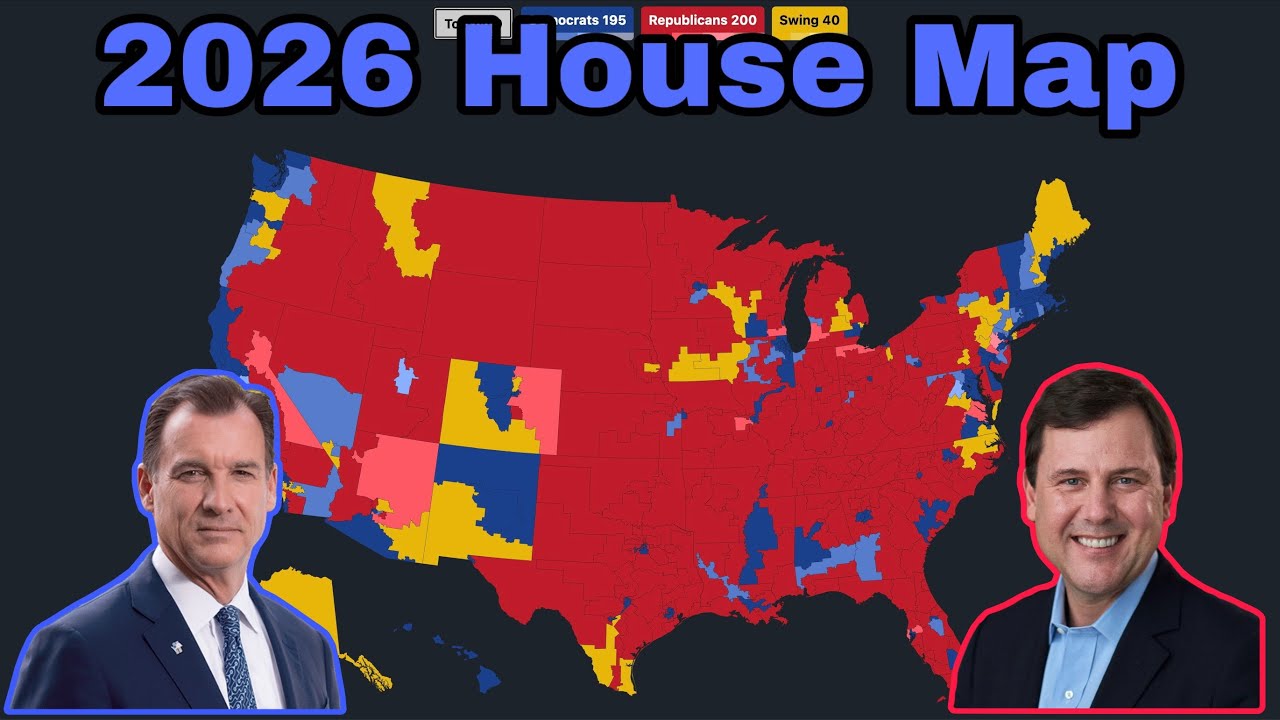

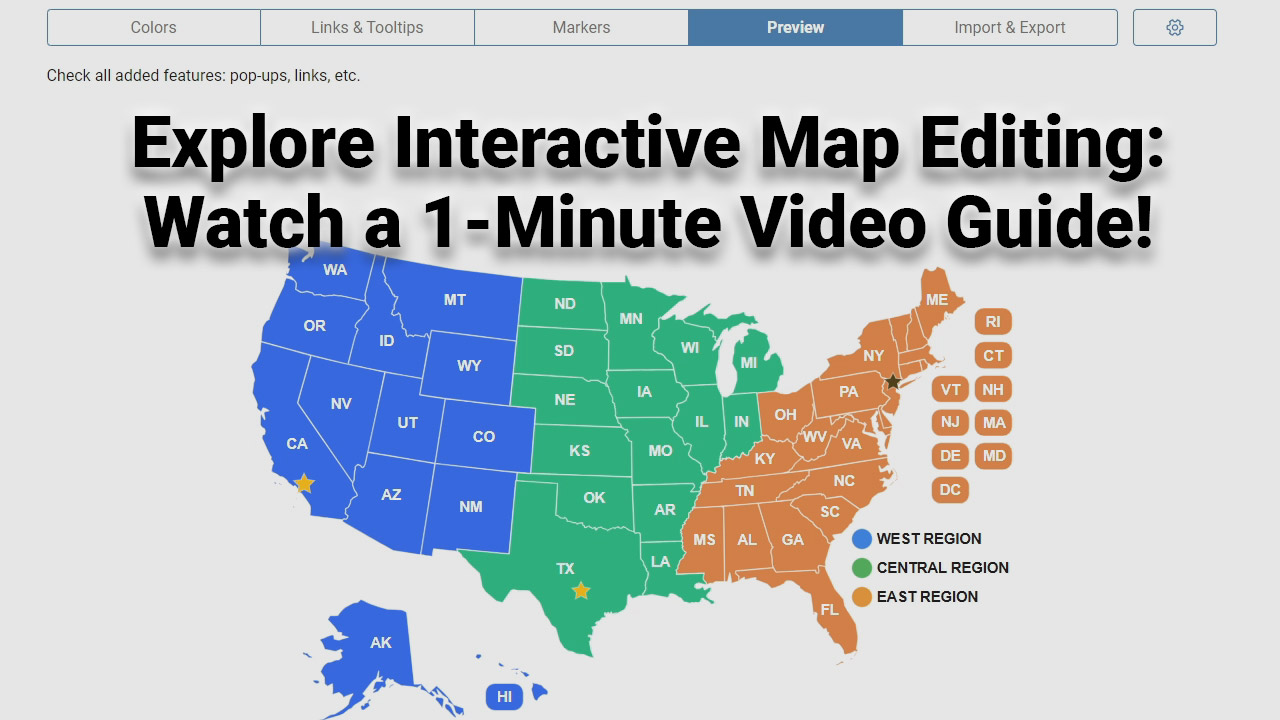
Lections Am Ricaines De 2026 600px 2026 United States House Of Elections Retirements Or Losses Of Map.svg . U S Cities Are Growing Again Thanks To Immigration Full . 2026 House Map Prediction January 2025 YouTube . United States Map Editable Us Political Map Big . Editable Map United States Map Powerpoint Template Editable Template Usa Editor Video Guide Poster
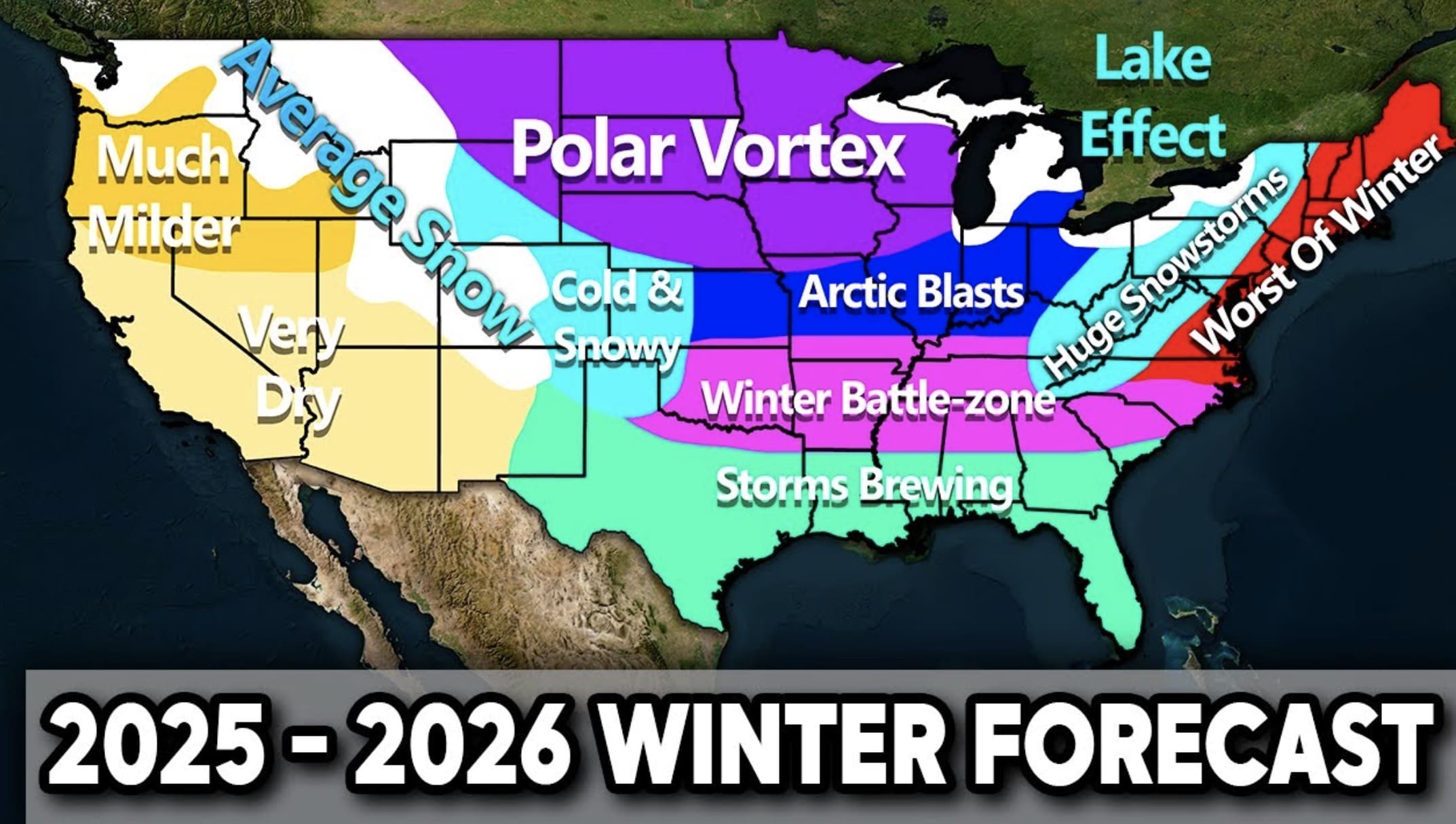
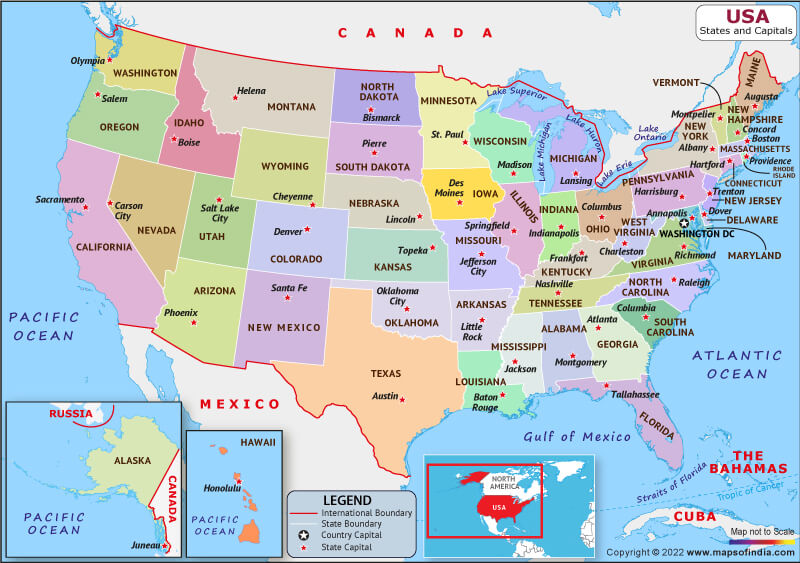

Winter 2025 2026 Weather Forecast What To Expect Across The U S Screenshot 2025 08 08 At 8.56.23 AM . Usa 2026 Astrology Predictions Usa State And Capital Map . 2026 United States Elections Alternative Chawosauria Alternative 310. WAY Too Early 2024 Electoral Map With Margins R MapPorn Editable Us Map . Free Printable USA Map Download Yours Now Printables For Everyone Usa Labeled Map Colored 12 2048x1536

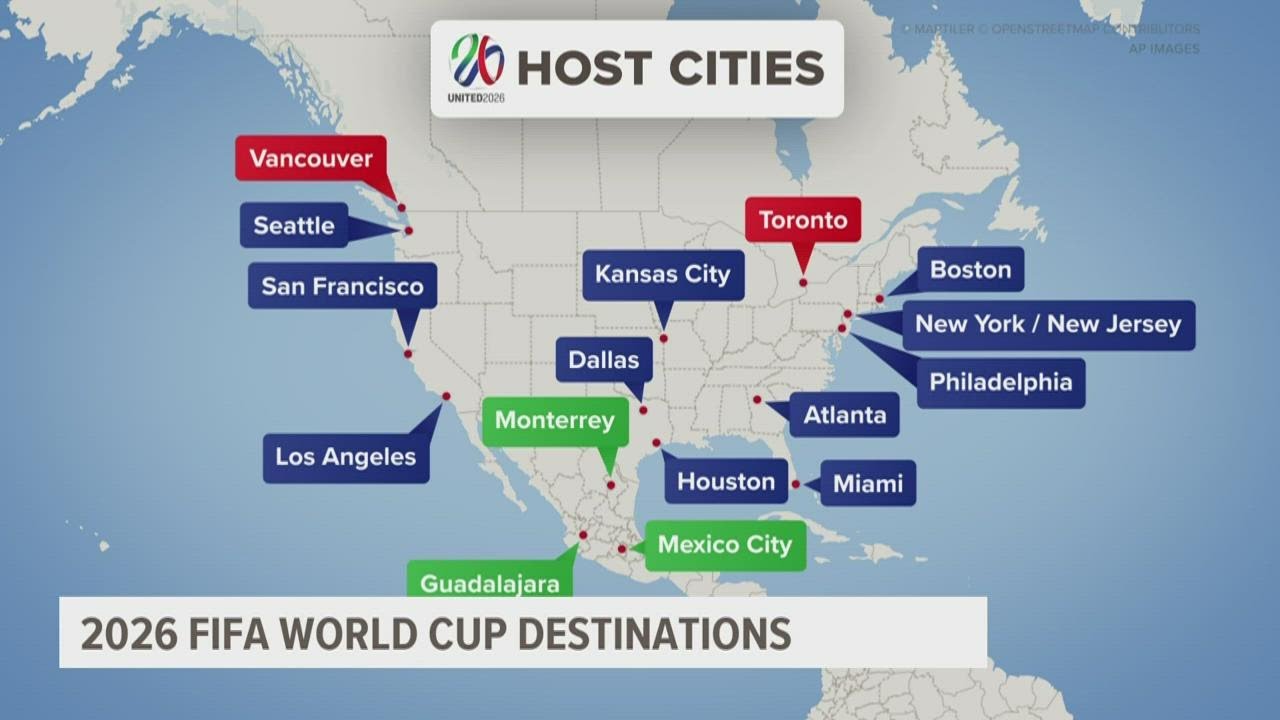
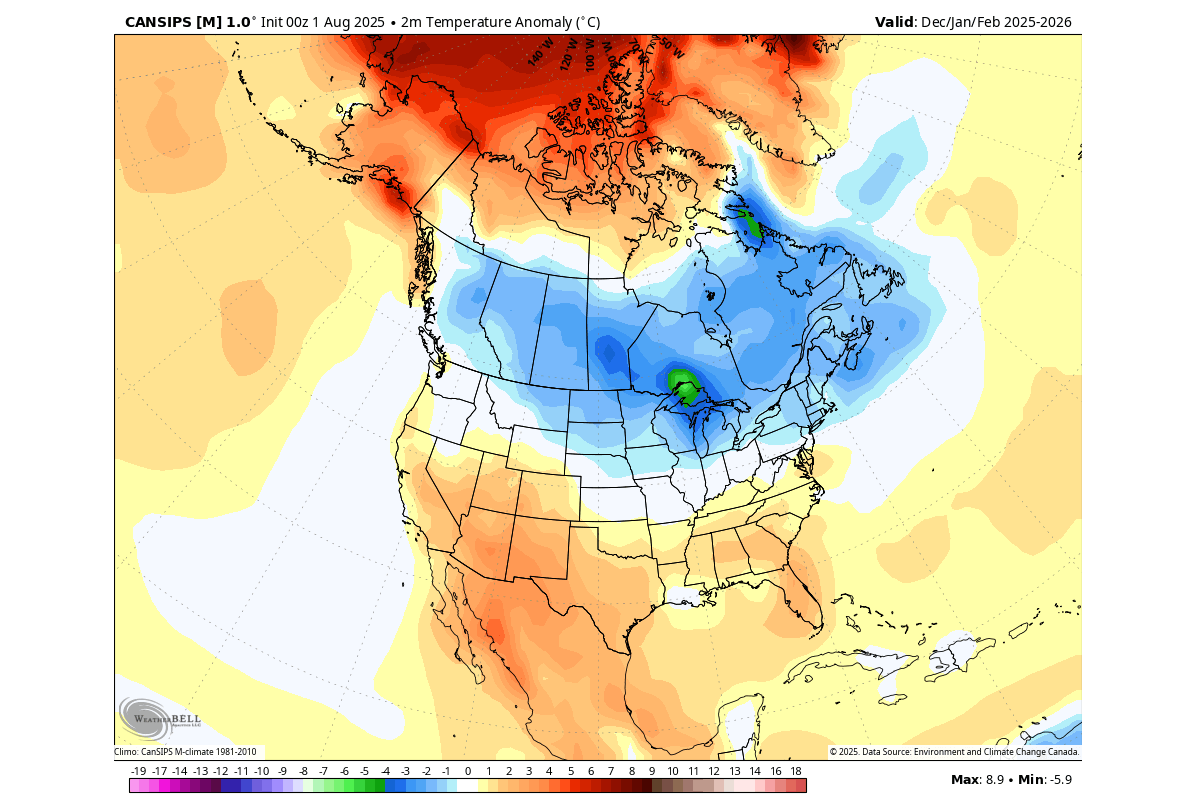
2026 World Map With Country Names Stable Diffusion Online 13616905 6b41 48fd A090 . Free Printable USA Map Download Yours Now Printables For Everyone Free Printable United States Map With States In Usa Map With State Names Printable . Maps Of Iceland For The 2026 Total Solar Eclipse Eclipse 2026 CM 9 . World Cup 2026 Schedule Locations Map . Winter 2025 2026 Early Forecast La Nina And Polar Vortex Shape A Cold Winter Forecast 2025 2026 Cansips United States Canada Temperature
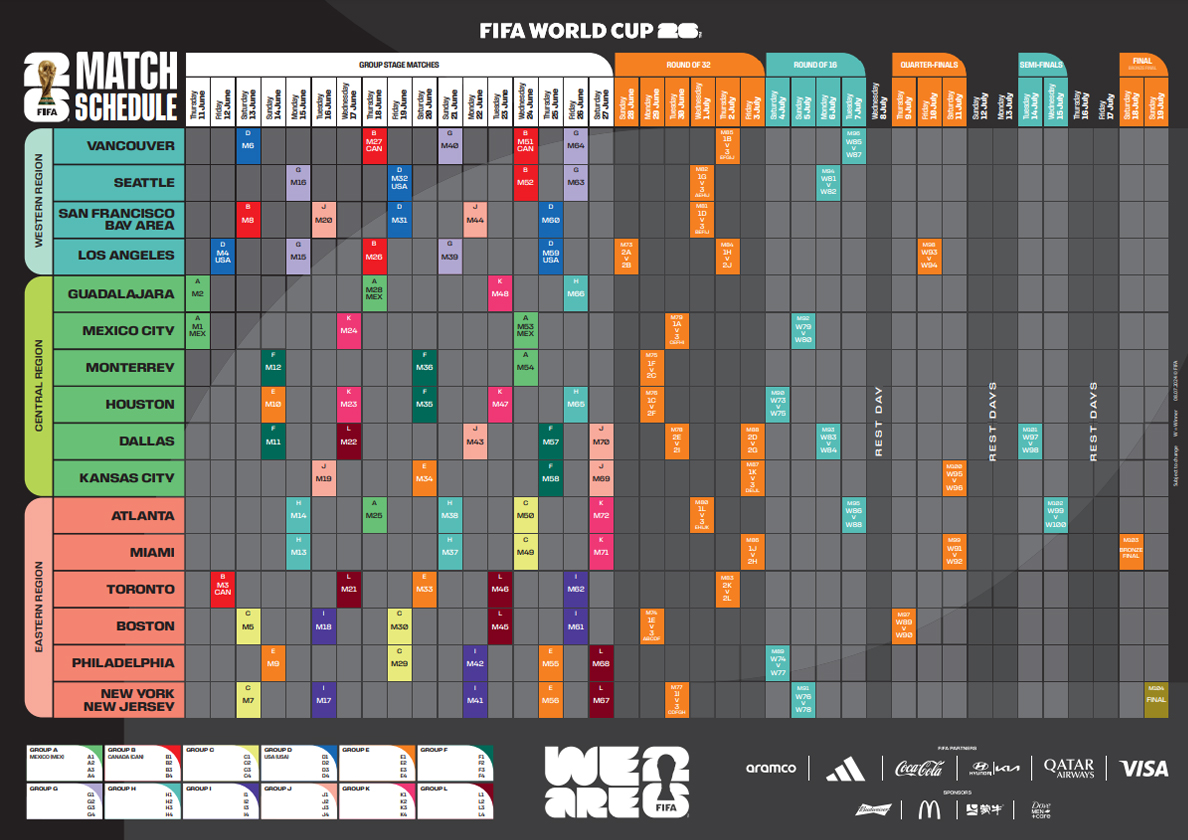
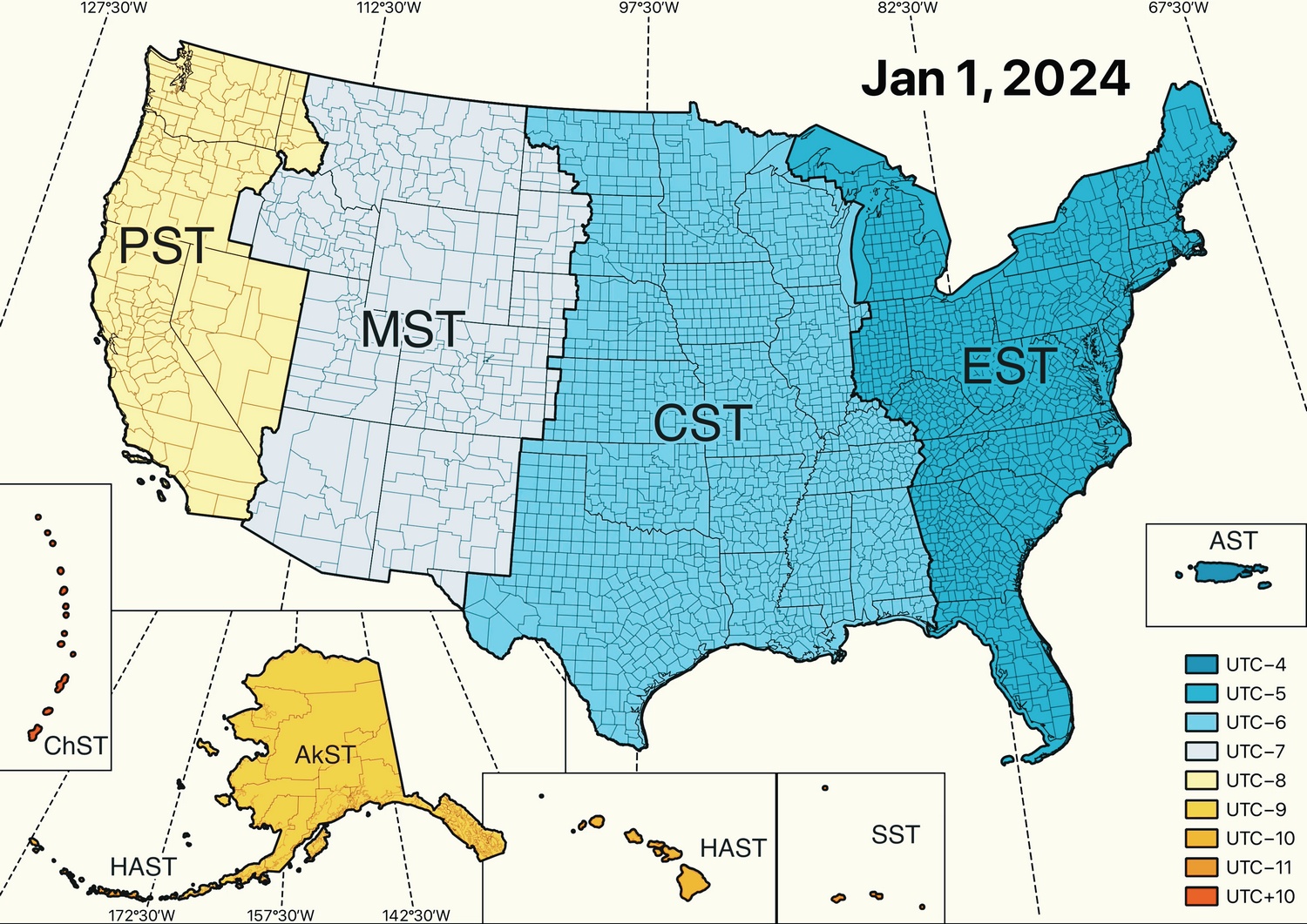


World Cup 2026 Schedule Locations Map Wc 2026 Fixtures Match Schedule Large . Navigating Time US Time Zones Map United States Time Zones In 2024 . Editable US Maps Your Ultimate Guide Original 5376229 2 . BREAKING Proposed Texas Map Is OUT And It Will Add More Texas Proposed Congression Map 2026 768x457 . Editable Us Maps Us Map Template Photoshop